The most powerful energy-saving tool in your home might already be in your pocket. A new generation of smart apps lets you see exactly where your electricity goes, automate the devices that use the most, and shave money off your bill without giving up any comfort. Here’s how to put app-based energy management to work.
From Guessing to Knowing
For most people, the monthly utility bill is a mystery — one big number with no breakdown. Smart energy apps change that. Paired with smart plugs, a smart meter, or a whole-home energy monitor, they show real-time and historical usage so you can finally see which appliances are quietly draining power. Once you can measure it, you can manage it.
What a Good Energy App Actually Does
- Real-time monitoring: Watch your consumption update live and catch the spikes when high-draw devices switch on.
- Scheduling and automation: Turn devices off automatically at night, or shift heavy use to cheaper off-peak hours.
- Remote control: Adjust the thermostat, lights, and plugs from anywhere — no more heating an empty house.
- Alerts and insights: Get notified about unusual usage or a device left running, and receive tailored tips to cut waste.
The Smart Thermostat: Your Biggest Lever
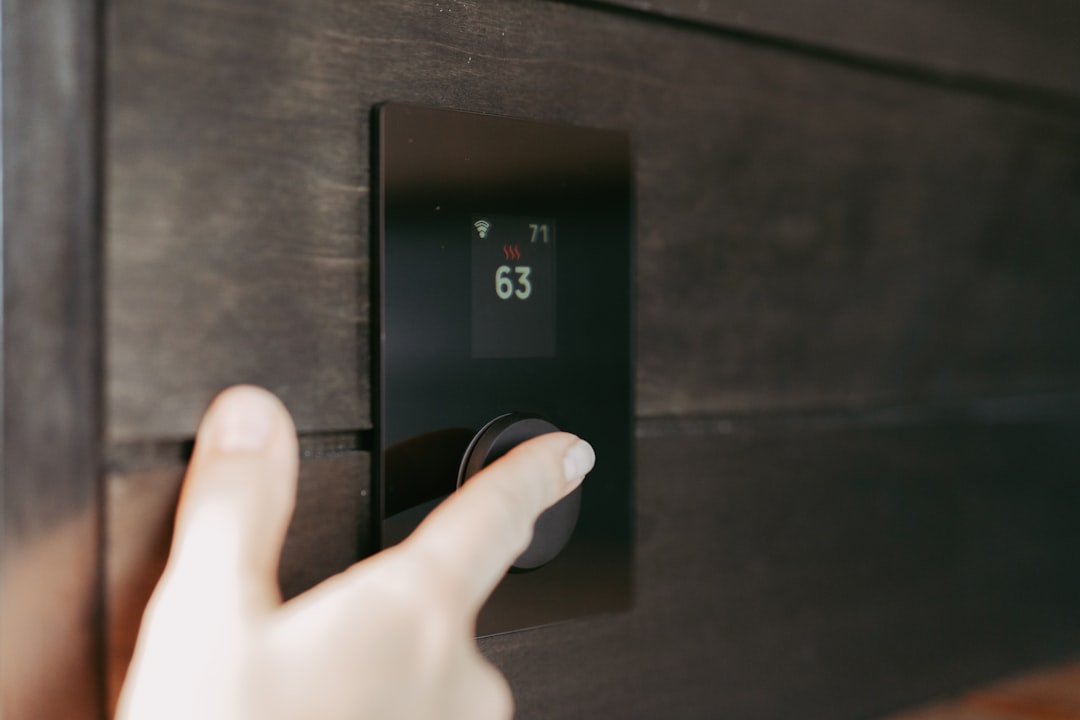
Because heating and cooling dominate most energy bills, a smart thermostat app is where the real savings live. These systems learn your routine, adjust automatically when you leave, and let you fine-tune the temperature from bed or the office. Geofencing can even sense when the last person leaves the house and ease off the HVAC until someone heads home. Small, automatic adjustments add up to meaningful savings over a year.
Take Advantage of Time-of-Use Pricing
Many utilities now charge more during peak hours and less overnight. Energy apps let you exploit that: schedule the dishwasher, laundry, EV charging, or water heating for the cheapest windows automatically. You use the same energy — you just pay less for it. Some apps even sync directly with your utility’s rate plan to optimize this for you.
Building a Simple Smart-Home Routine
You don’t need to automate everything at once. A practical starting point looks like this:
- Put your biggest “phantom load” devices (entertainment centers, chargers) on smart plugs and schedule them off overnight.
- Set the thermostat to ease back automatically when the house is empty.
- Create an “away” scene that shuts down non-essential devices with one tap.
- Review the app’s weekly report and adjust one habit at a time.
Privacy and Compatibility Notes
Before you buy, check that devices work with your preferred ecosystem — whether that’s a major voice assistant or an open standard like Matter — so everything lives in one app instead of five. Review what usage data the app collects and how it’s shared, and keep firmware updated for security. A little due diligence up front keeps your smart home both convenient and trustworthy.
The Bottom Line
Smart app energy management turns your phone into a dashboard and a remote control for the whole house. Start by measuring where your energy goes, automate your biggest loads, and lean on a smart thermostat to do the heavy lifting. The result is a home that’s more comfortable, more convenient, and quietly cheaper to run every single month.
Related reading: Smart Thermostats and Lighting and 10 Proven Ways to Lower Your Electricity Bill.